How to Download the Turnitin AI Report as a PDF
Independent guide. Not affiliated with Turnitin, LLC. Read the Turnitin disclaimer.
The Turnitin AI writing report opens in its own tab from the AI indicator, and from there it can be downloaded as a PDF. The catch: in most setups only instructors can see it.
Instructor steps
- Open the submission's similarity report.
- Click the AI writing indicator (the percentage beside the similarity score).
- In the AI report tab, choose the download option.
Students
Students usually don't see the AI indicator at all, so there's nothing to download. See can students see their Turnitin AI score.
What's inside
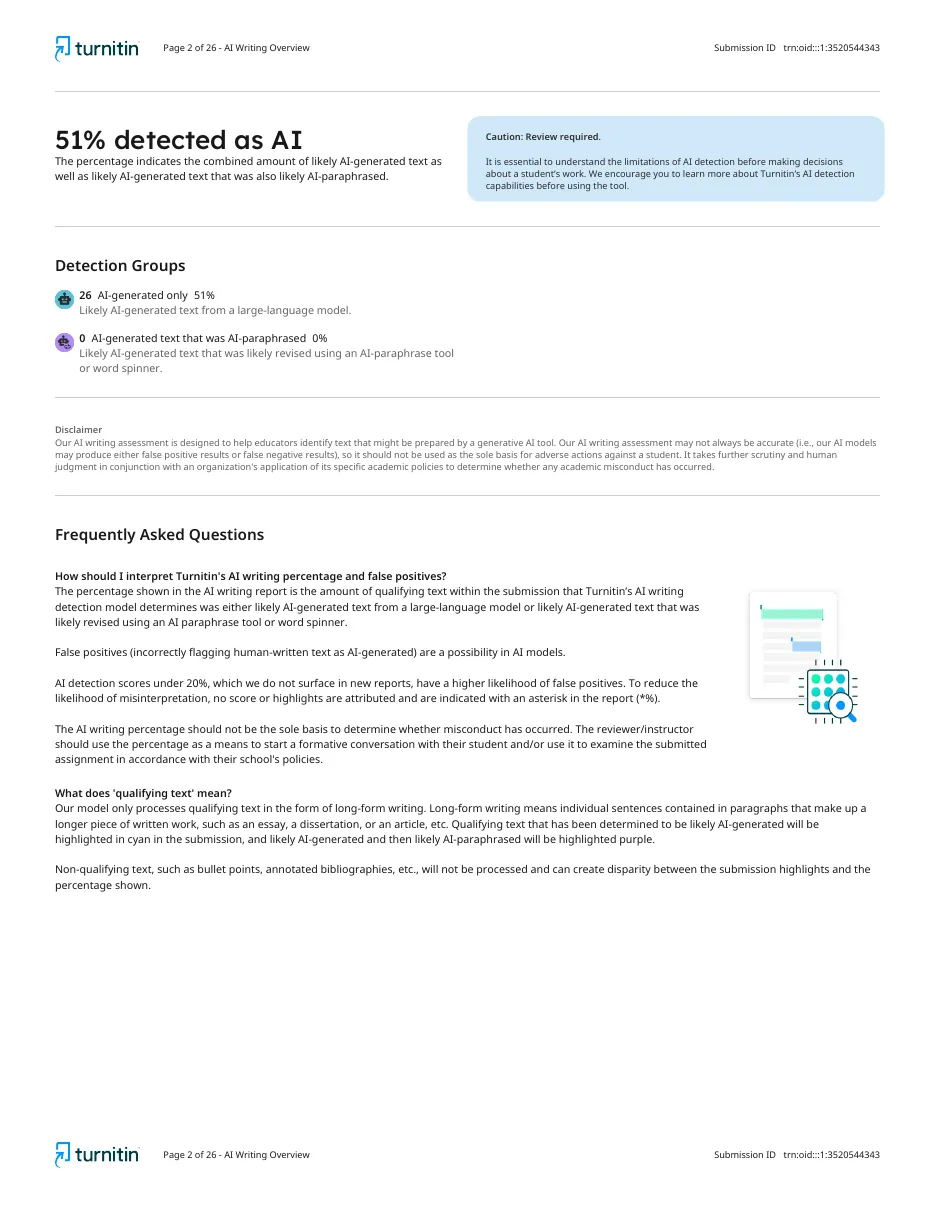
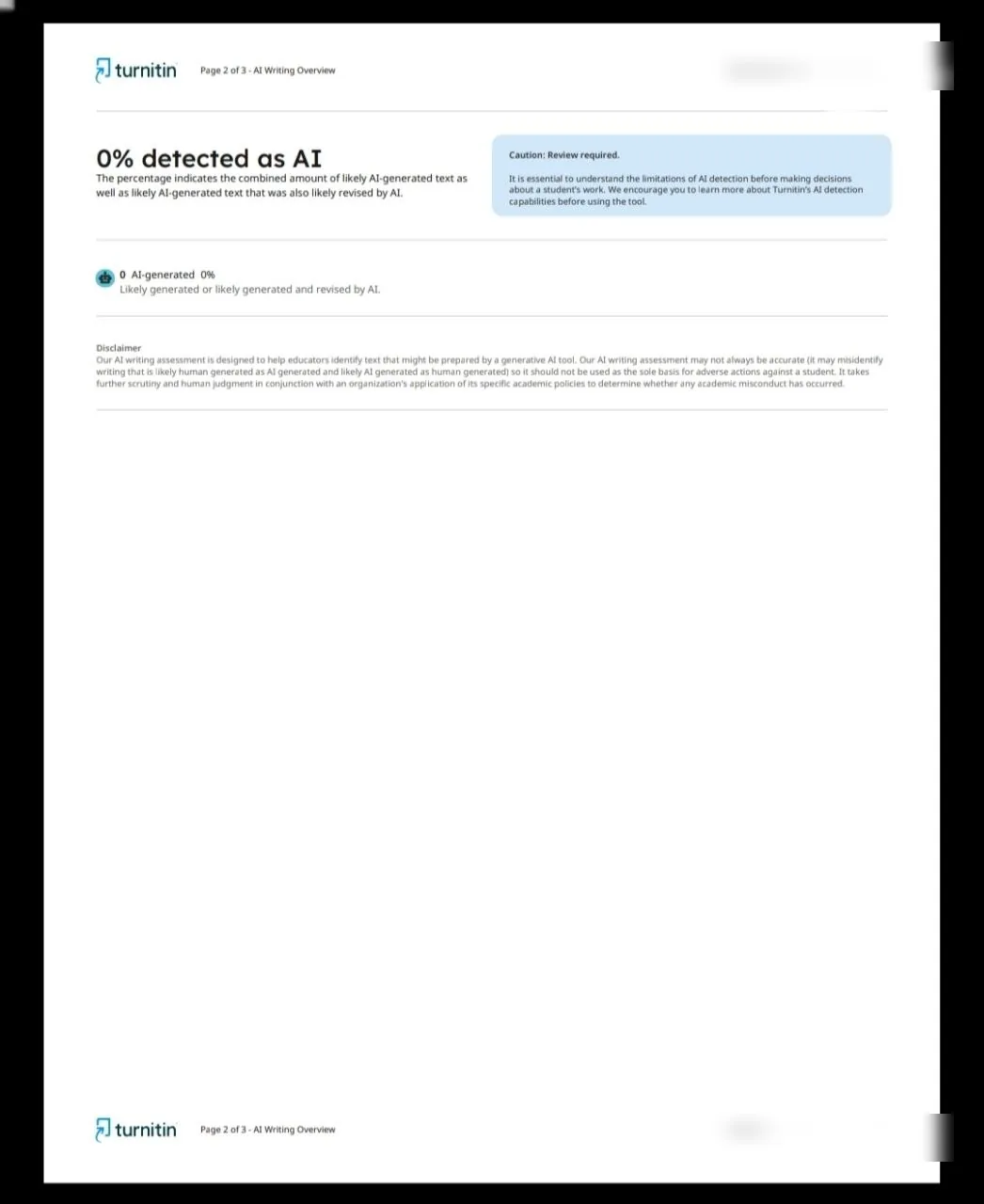
A cover page, the AI writing overview with the percentage and detection groups, Turnitin's disclaimer, then your text with likely AI sentences highlighted.
Get your own AI report
We send the Turnitin AI report and similarity report as PDFs for $3.50, usually within 30 minutes. If the score is high, our editors humanize the flagged text for $5.99 per 200 words.
Frequently asked questions
How do I download the Turnitin AI report?
Instructors open the AI writing report from the AI indicator and use the download option in that tab.
Can students download it?
Usually not, because students can't see the AI report.
Can I get my own AI report as a PDF?
Yes. We provide the Turnitin AI report and similarity report as PDFs for $3.50.
See your Turnitin AI and similarity scores first.
- Turnitin similarity report (PDF)
- Turnitin AI writing report (PDF)
- Not stored in any shared repository
- Ready usually within 30 minutes
2 free checks with every 10 you buy.
Get my Turnitin reportsFlagged as AI? Our editors rewrite it by hand.
- Human editors, not another AI tool
- Aims for a 0% Turnitin AI score, proofreading included
- Fresh Turnitin AI report of the edited file as proof
- Delivered within 12 to 24 hours
Questions? WhatsApp us on +254706770780.